Draw in curves
Build paths and live shapes with precise fills, strokes, nodes, and transforms.
 Vectormori
A local-first vector workspace for paths, shapes, artboards, appearances, and editable AI documents.
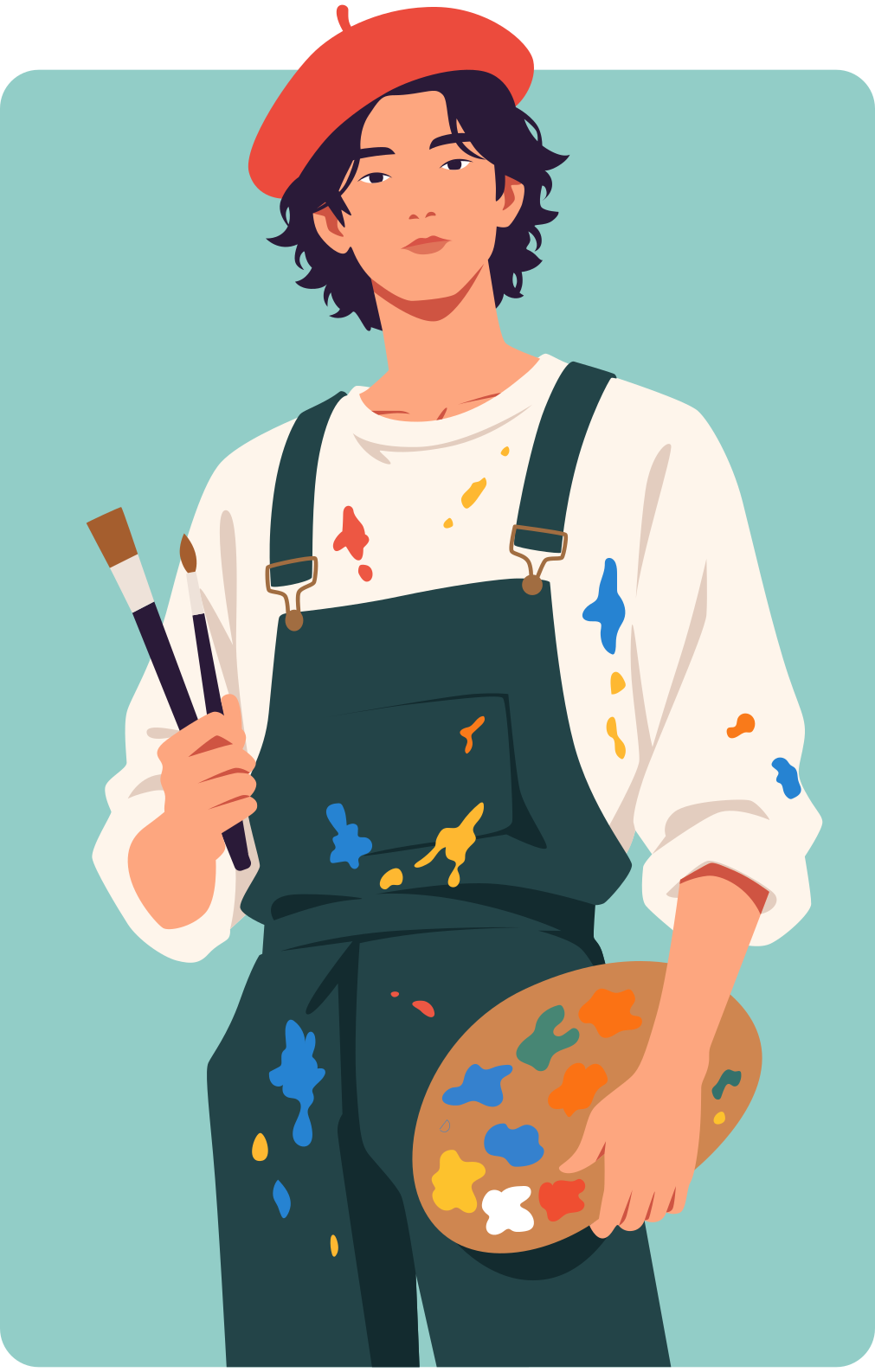
Bring characters of your own to life, from the first silhouette to the details that give them personality. These illustrations were created in Vectormori by a professional artist who had never used the software before. Imagine who you could create.


Build paths and live shapes with precise fills, strokes, nodes, and transforms.
Keep artwork inside a true object hierarchy across multiple artboards.
Edit geometry and appearance independently so artwork stays reusable.
Open and save editable AI documents without an account or automatic upload.
Place paths and familiar geometric primitives on a focused artboard.
Select objects or edit individual nodes with contextual controls.
Set fill, stroke, width, opacity, and ordered appearance attributes.
Preserve editable Vectormori data inside a PDF-compatible AI file.
Open a clean artboard and place the first node.